
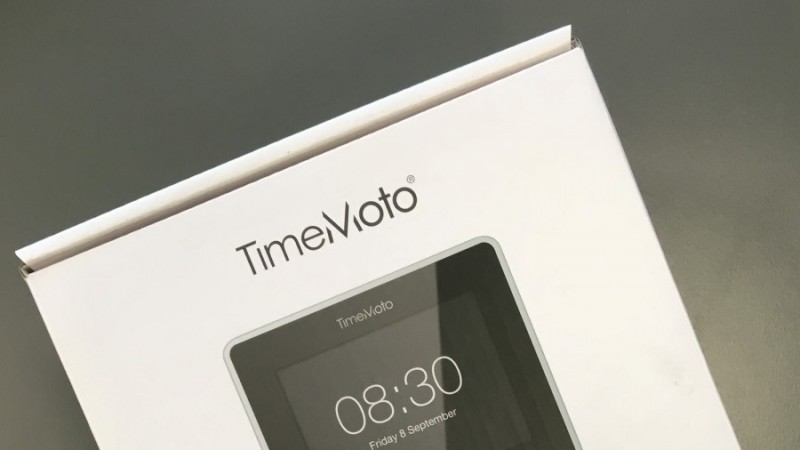
Testing Safescan TimeMoto [part 1]

Safescan is a brand that has been in the ViDiS portfolio for many years, but one that has not yet been described on our blog. However, the occasion is special – a new series of time and attendance systems is debuting soon – TimeMoto! In the first part of the test, we focus on the device itself, which is the flagship model – the TM-838.
Dutch company Safescan is known primarily for its cash management devices, dedicated to currency exchange offices or banks. The second important part of this manufacturer’s offer is Time & Attendance (T&A) systems, among which the TimeMoto discussed today is already the third generation.
Due to the breadth of the topic, we decided to divide our test into two parts.
The first part will focus on the device itself – primarily on its appearance and accessories. The second part will cover the software and the use of the TimeMoto T&A system as a whole. The second part will be published in February, after the premiere of the Polish version of the TimeMoto software.
What is a T&A system?
In the Safescan version, a time and attendance system consists of two elements:
- A terminal or terminals (there can be more than one in a single system).
Terminals are simply devices used to register events – mainly employee clock-ins and clock-outs, e.g., by scanning an RFID card or fingerprint identification. - Software with a database.
Usually installed on a computer – it is used for storing, managing, and presenting data, e.g., by generating readable reports.
Both of the above elements are connected to each other via a network (LAN or Wi-Fi) and communicate constantly. The terminal sends information about registered clock-ins and clock-outs on an ongoing basis, making it possible to monitor attendance in real-time. The software, on the other hand, sends database updates – e.g., adding new employees or changing RFID card numbers.
Such a system allows for effective collection of data on employee attendance, ongoing monitoring, and the creation of reports that can be used, for example, by the HR department for payroll calculation or overtime control. In summary – on one hand, a terminal used for registering events, and on the other, PC software that provides access to registered data and allows it to be managed.
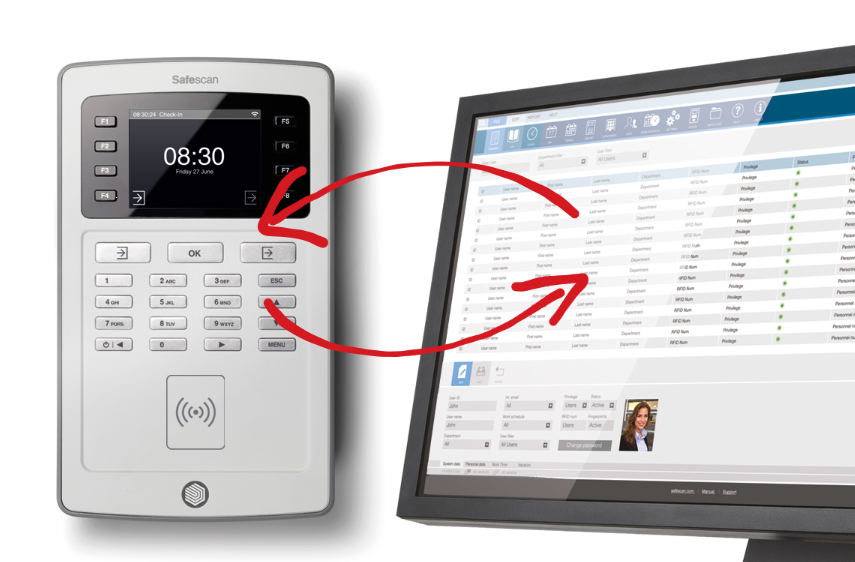
Currently (early 2018), you can still find older TA-80xx systems in the offer. This series was quite successful mainly because even a single device constitutes a complete solution. In addition to the terminal, which has an RFID card reader, a fingerprint reader, or a Wi-Fi module for connecting wirelessly to the database, the package also includes TA software (Time Attendance) for managing the collected data, which can be exported in the form of a readable report. Such a set is an excellent solution for small and medium-sized enterprises – especially manufacturing ones, where a shift work system is used. The system is simple to configure, use, and offers the possibility of expansion with additional terminals.

The new TimeMoto series will debut on the Polish market in February and will bring a handful of new features and improvements compared to the TA series. The list of main changes is below.
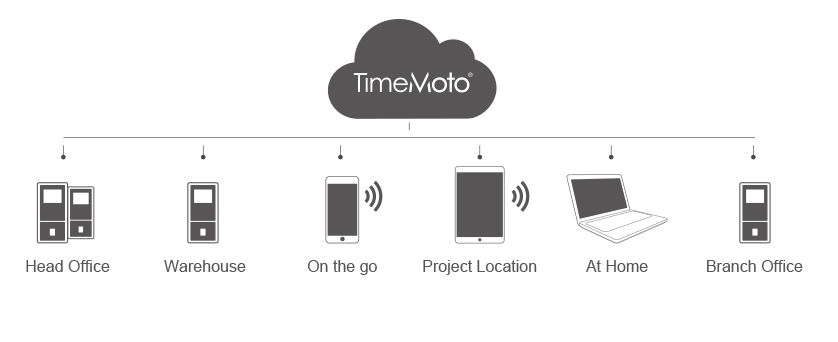
- New software included and the ability to keep the database in the cloud.
In addition to significantly improving the interface and adding several interesting features, the biggest change seems to be support for the cloud. What does Cloud Computing give in this case? First of all, it solves one of the biggest shortcomings of the previous series – the lack of support for multiple locations. In the case where a company has several branches but one HR department, this allows for collecting data from multiple locations and processing them in one place.
- Other cloud benefits:
- the ability to register clock-ins and clock-outs from a mobile phone application,
- access to employee attendance data from anywhere with internet access.
- New employee verification method – face recognition.
A solution present only in the top model is an interesting alternative to fingerprint recognition. - New device styling and a refreshed software interface.
A little more about the key changes and the software itself can be found in the TimeMoto data sheet.
TimeMoto – unboxing
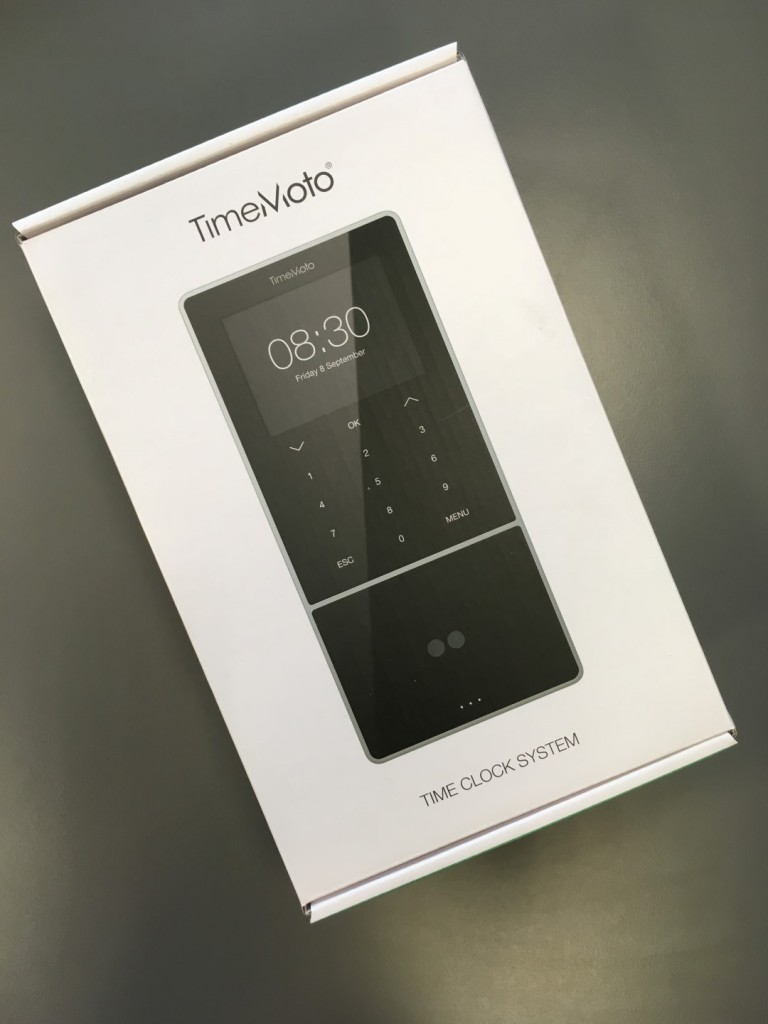
In our test, we will deal with the highest available TimeMoto model – the TM-838. The hallmark of this model is primarily the face recognition system, a larger display (3.5 inches diagonal), and a touch panel instead of a classic keyboard.
The TM-838 is packed in a small box measuring 28 x 17.5 x 11 cm. The device itself has dimensions of 21.5 x 10 x 4.5 cm (height x width x depth).
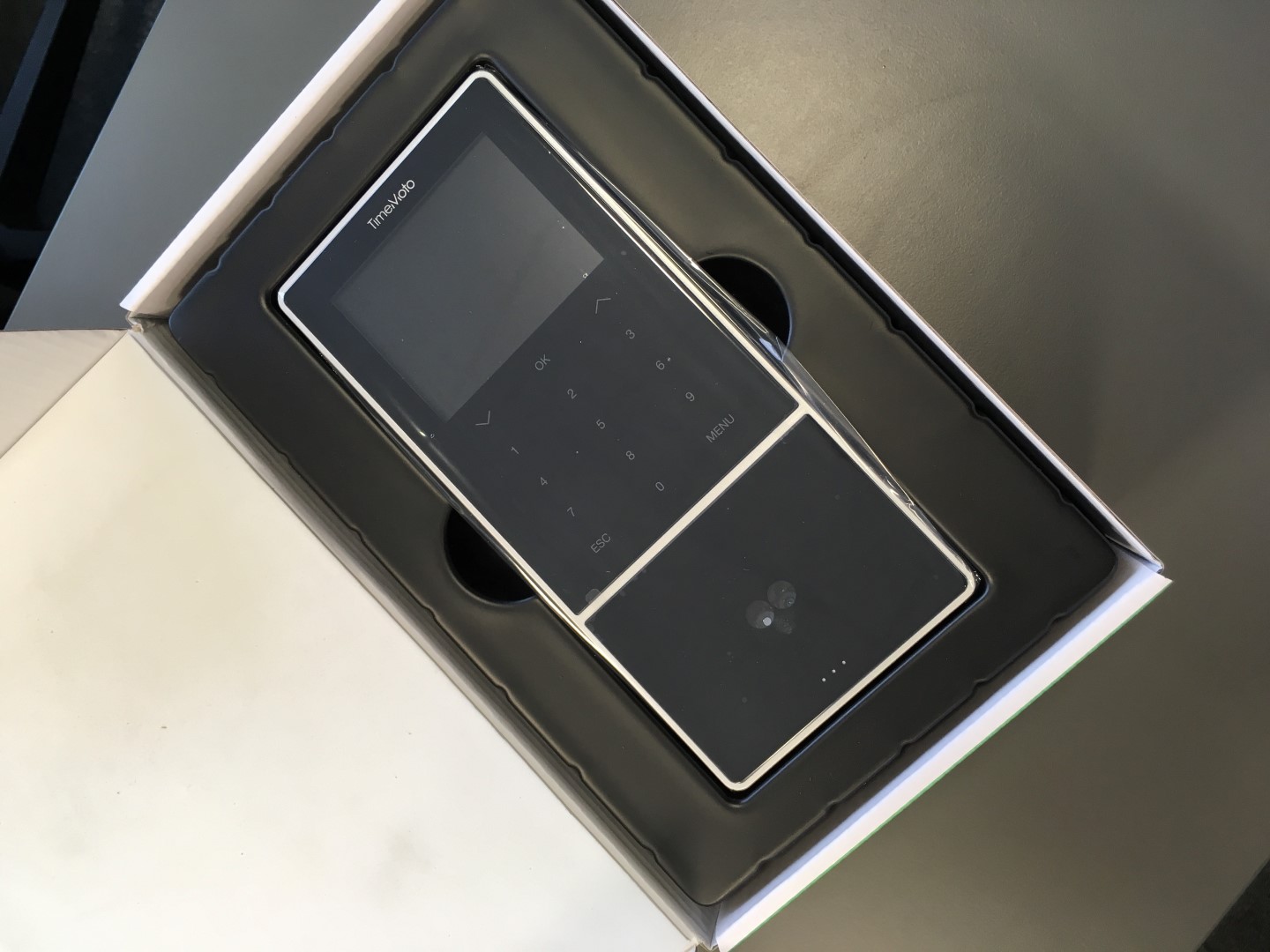
In addition to the device itself, in the package, you can find a warranty card, a quick start guide, a pack of 5 RFID cards, a special bracket (more on that later), mounting accessories (allowing the device to be attached to the bracket and the bracket itself to the wall), and a power adapter.
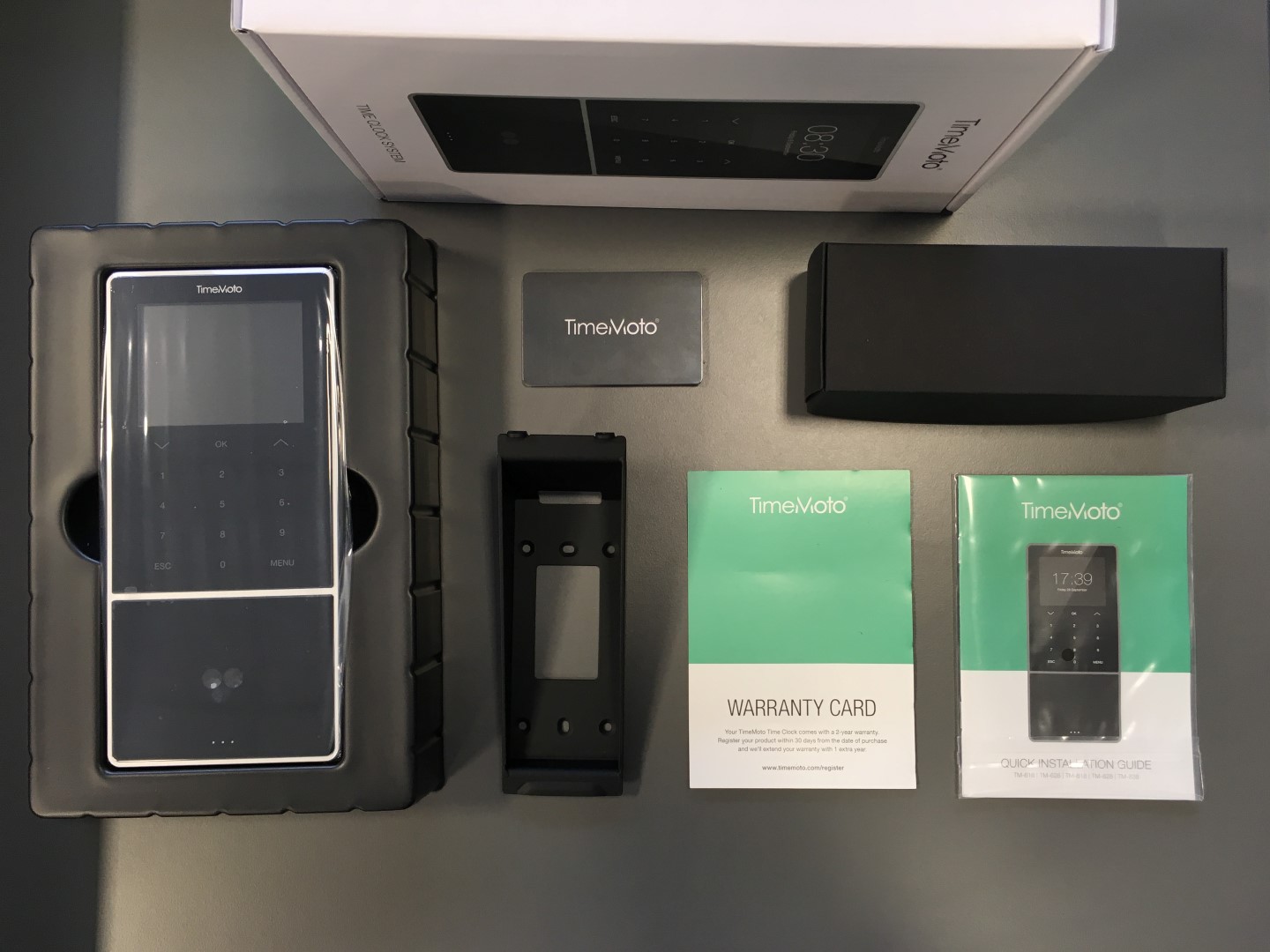
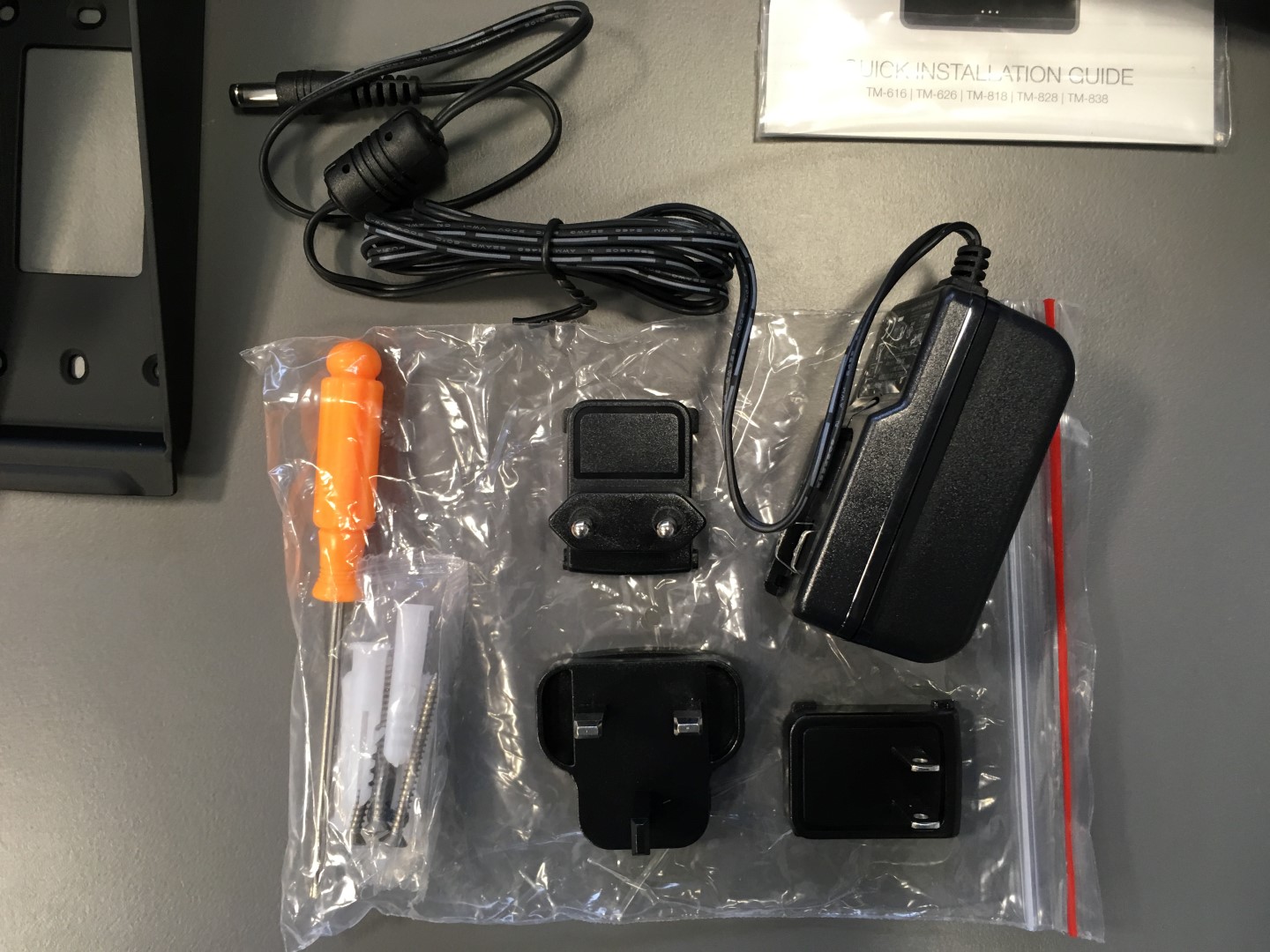
In the TM-838 model, you can find a special wall bracket in the set, which, unlike the standard bracket, causes the device to be slightly more tilted from the wall at the bottom edge. Why? The angle of inclination obtained in this way improves the operation of the face recognition system. Thanks to this, the device can be mounted slightly lower so that shorter people do not have problems with a device mounted too high.
The design of the bracket means that the top edge of the device will be about 4.5 cm away from the wall, while the bottom edge will be about 10.5 cm.
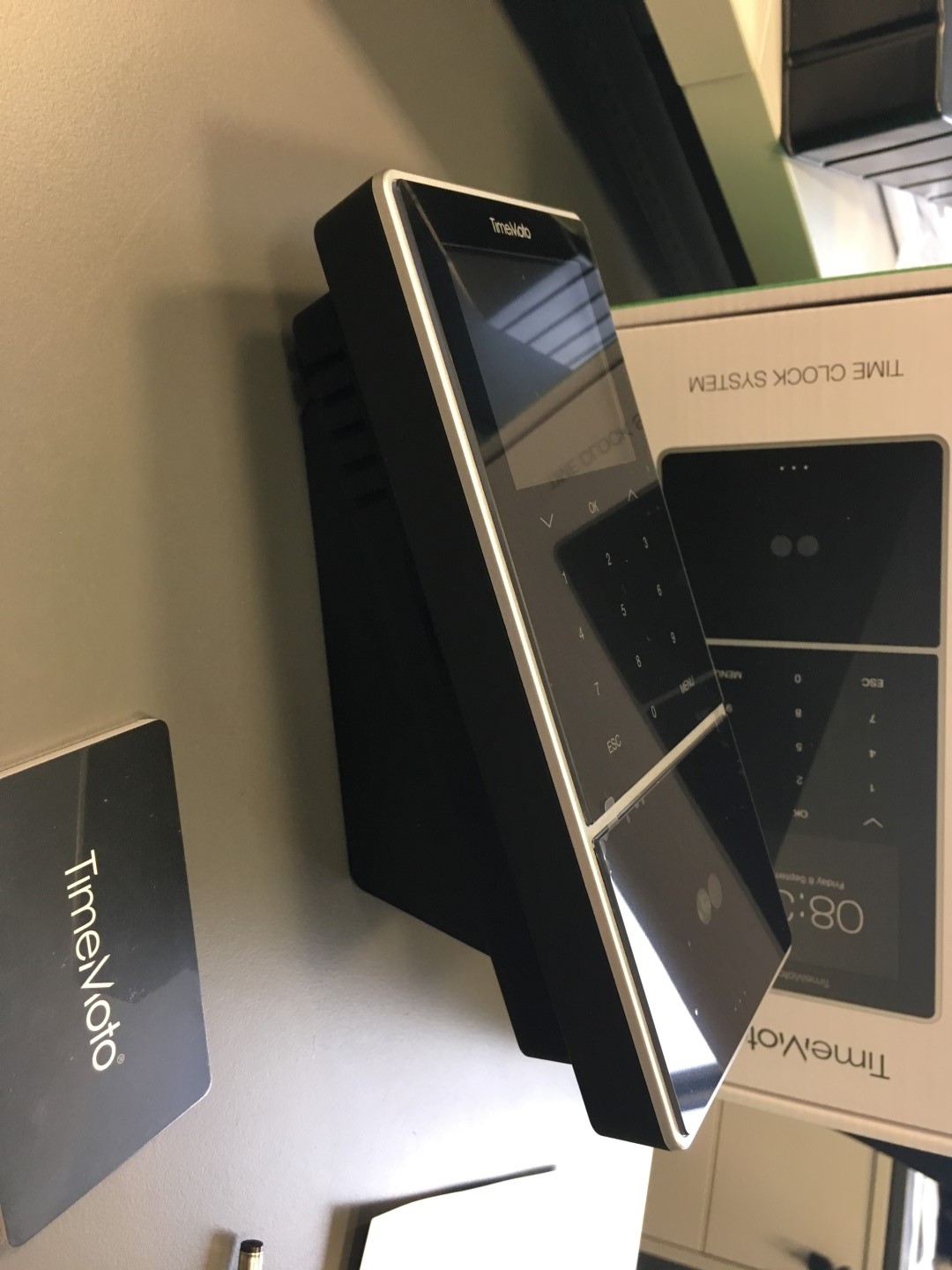
The device itself has a much simpler control interface compared to the previous edition, which will certainly facilitate operation and navigation through the menu.
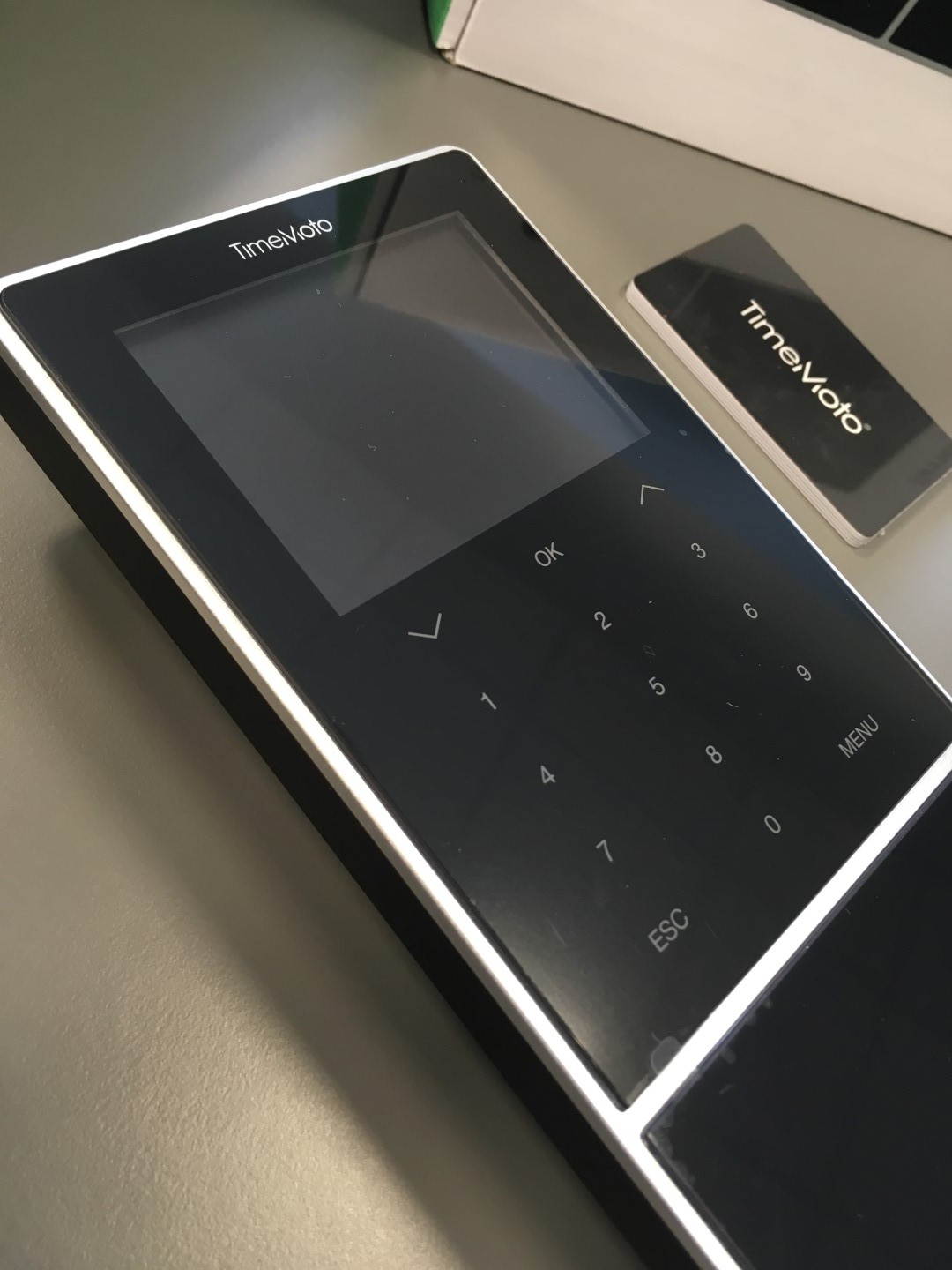
The touch panel makes a particularly positive visual impression. Good news for fans of traditional physical buttons – such a version will also be available.
The entire device is made of plastic – the front is glossy, the back is matte. Around the device, there is a frame made of plastic imitating aluminum. The whole thing gives the impression of a solidly made construction.
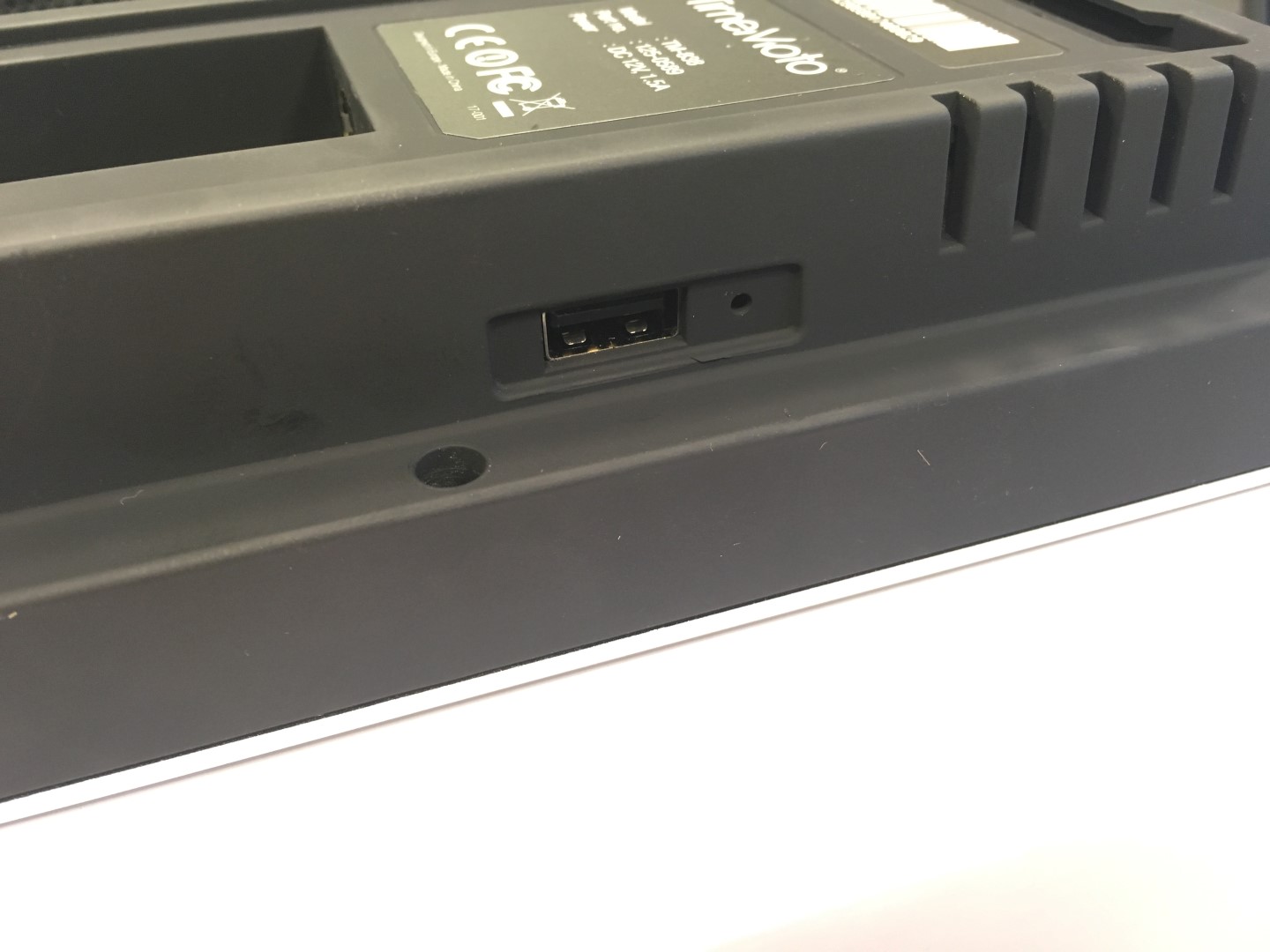
On the back – minimalism. We will find a power port and a network (LAN) port there. On the right side, there is a USB port for software updates and “manual” synchronization of data between the device and the database and software.

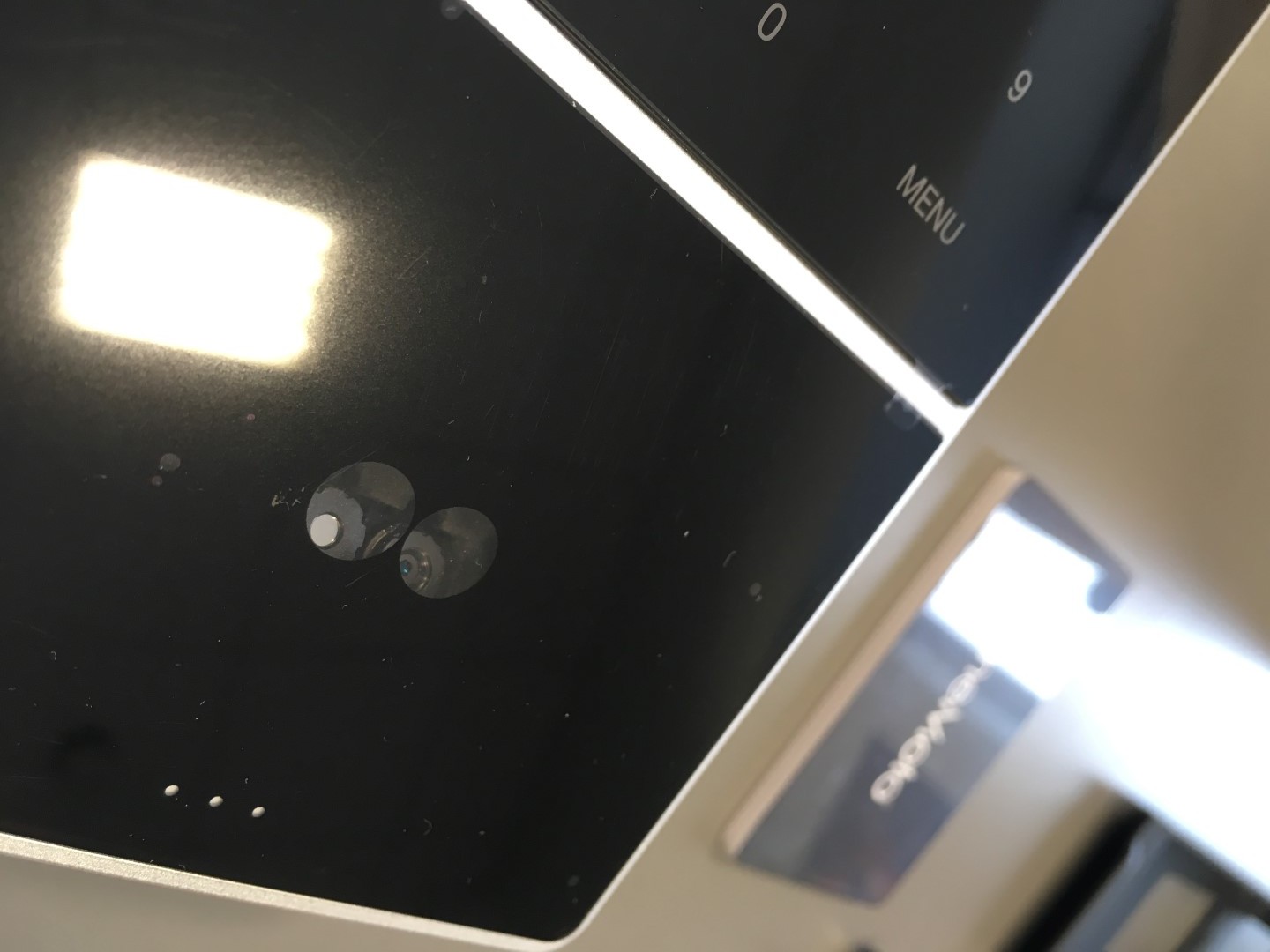
The face recognition system is located on the front, in the place where the fingerprint reader is “traditionally” located. This means that when choosing TimeMoto versions, we have to choose between a fingerprint reader and face recognition (RFID is in every device).
The face recognition system is equipped with two cameras. A test of the efficiency of this solution will be carried out in the second part of the test.
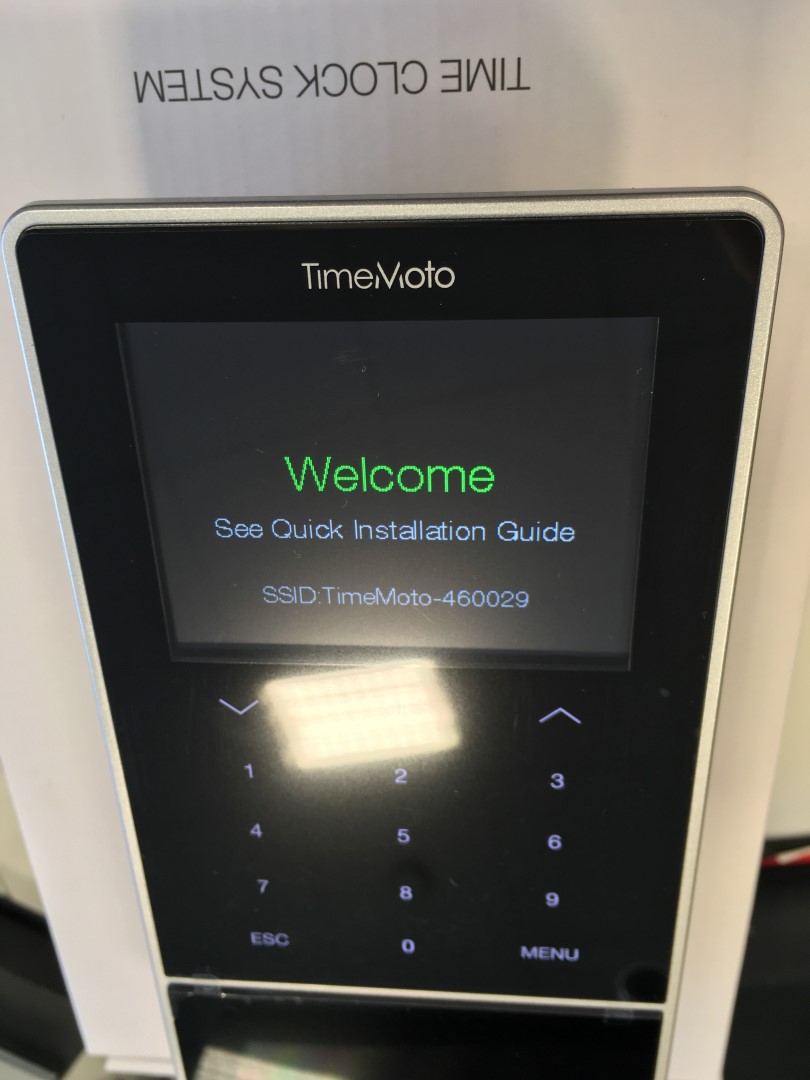
The first launch and initial configuration have seen significant (positive) changes. We will try to describe the first launch procedure in the next part of the test.
Summary of part one
At first, superficial glance, we are dealing with some very interesting changes. The new look of the devices is definitely a step in the right direction – especially the significantly simplified interface. In turn, the face recognition system is theoretically a great solution, but we will refrain from judging it until the tests. However, the most interesting change – new software allowing data to be kept in the cloud – will be described more broadly by us in the second part of the test.