
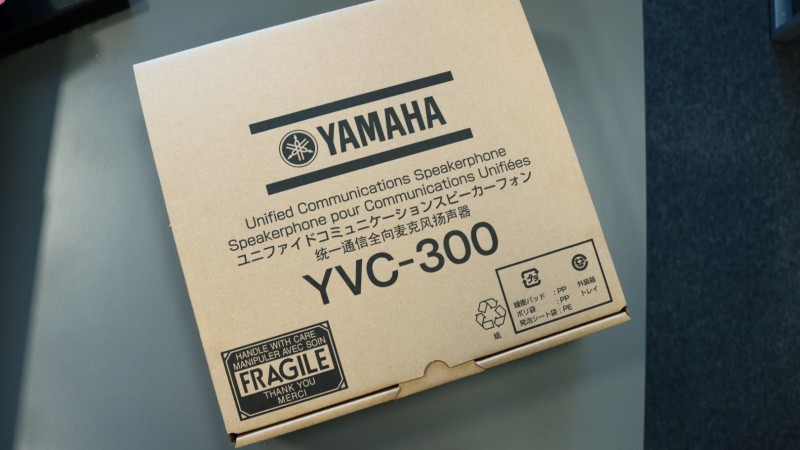
(Revolabs) Yamaha YVC-300 – we are testing

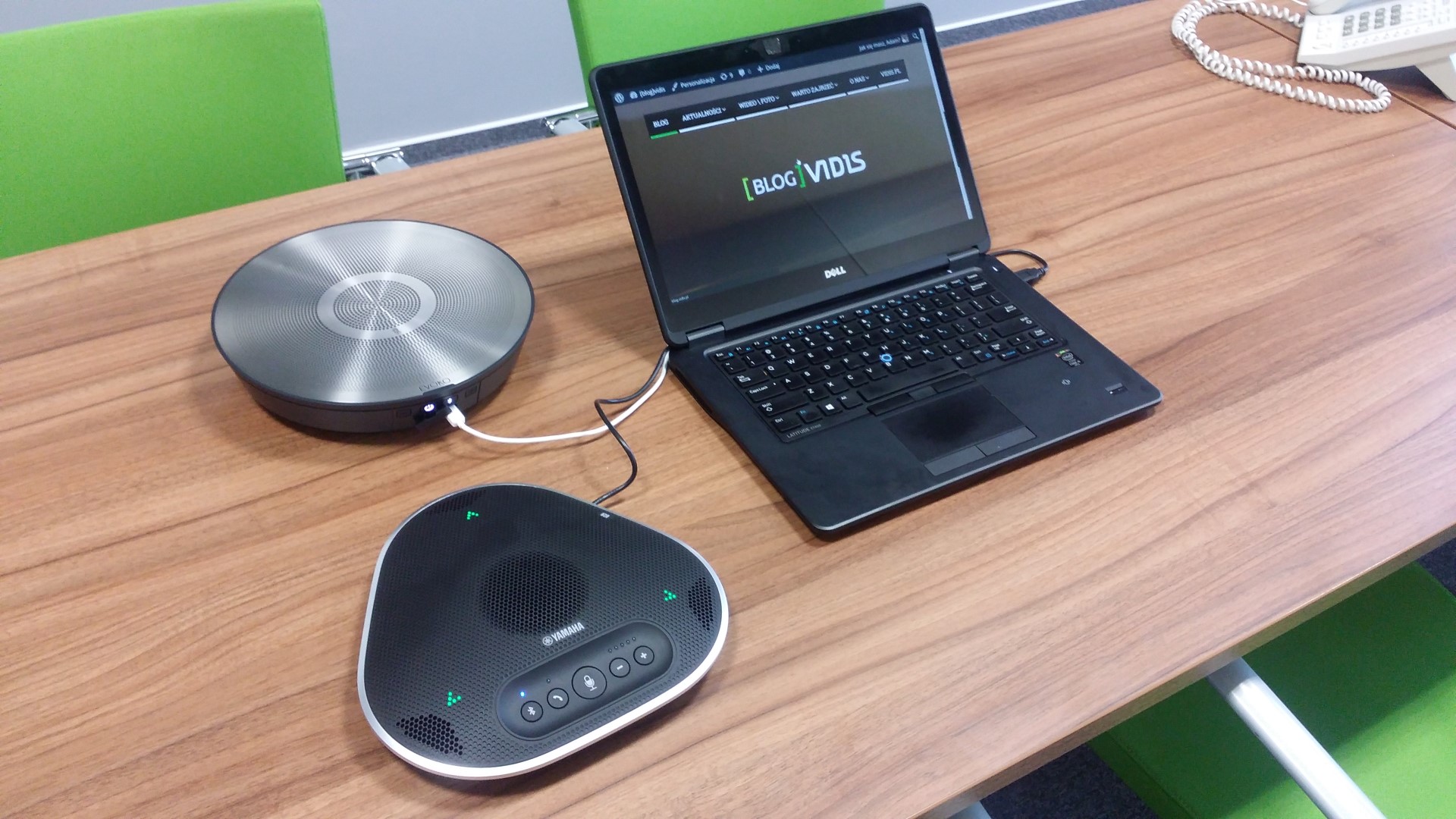
Revolabs, in cooperation with the Yamaha corporation, has prepared a new conference phone – introducing the Yamaha YVC-300!
Conference phones are key products in the Revolabs portfolio. Until now, the offer included 3 series:
- FLX UC (500/1000/1500) – compact devices available in 3 versions
- FLX2 – conference phones with wireless kit elements – available in many variants
- YVC-1000 – this is actually one model
The new proposal is the YVC-300 – the second representative of the YVC series, which Revolabs is developing together with the Yamaha corporation. This model debuted at the beginning of the fourth quarter of 2016 and is a response to the high market demand for conference systems that:
- are strictly intended for business communication,
- are simple to install and operate,
- 2 in 1 – a combination of microphones and a speaker,
- guarantee the highest quality,
- are mobile – they can be quickly moved between conference rooms or meeting rooms.
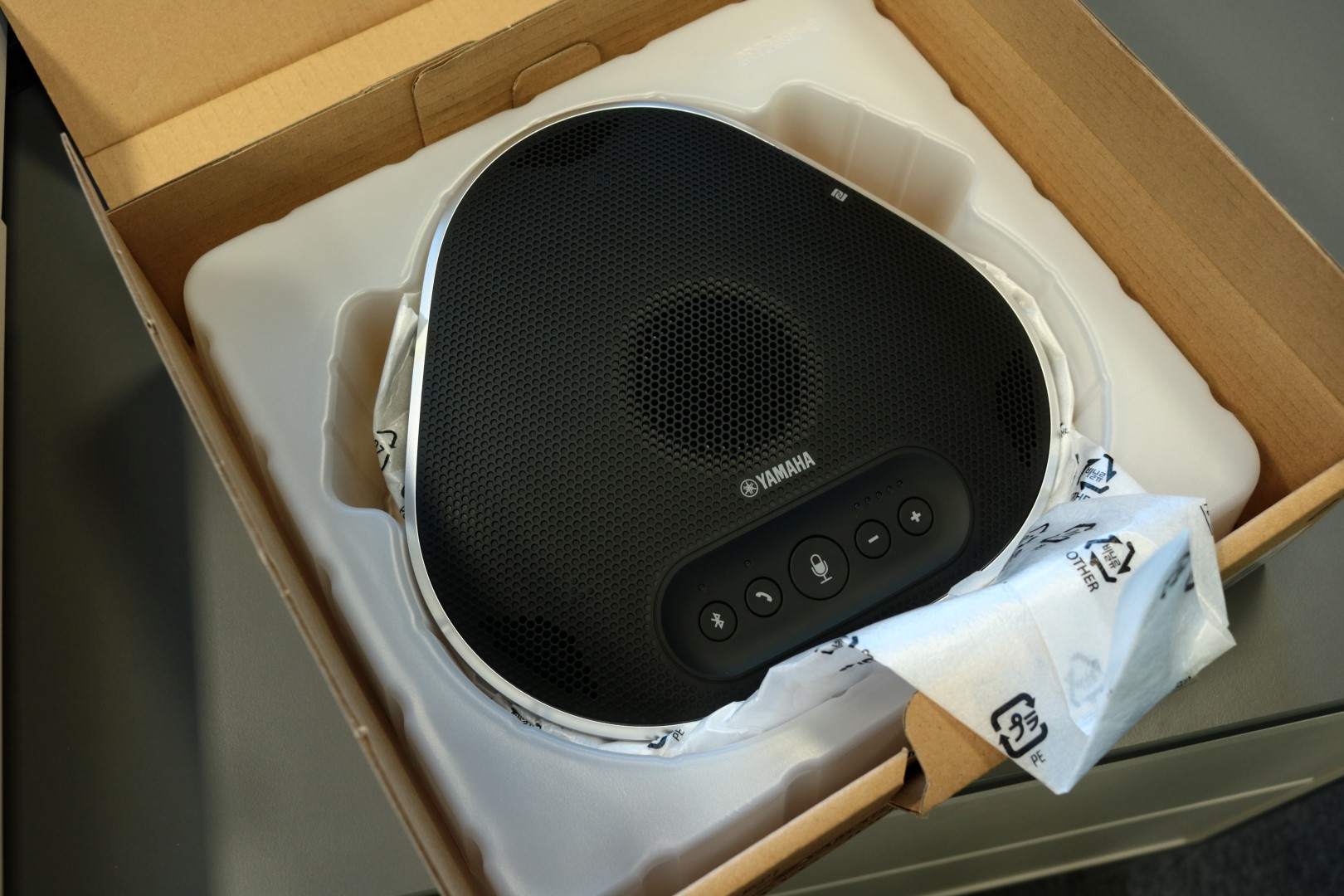
This product is also a great addition to the entire Revolabs offer for business communication. How does the YVC-300 compare to other Revolabs solutions? We have prepared a summary of the basic parameters especially for you. In the link below, you will find a comparison file.
Revolabs – voice communication
Let’s take a look at the basic parameters of the YVC-300.
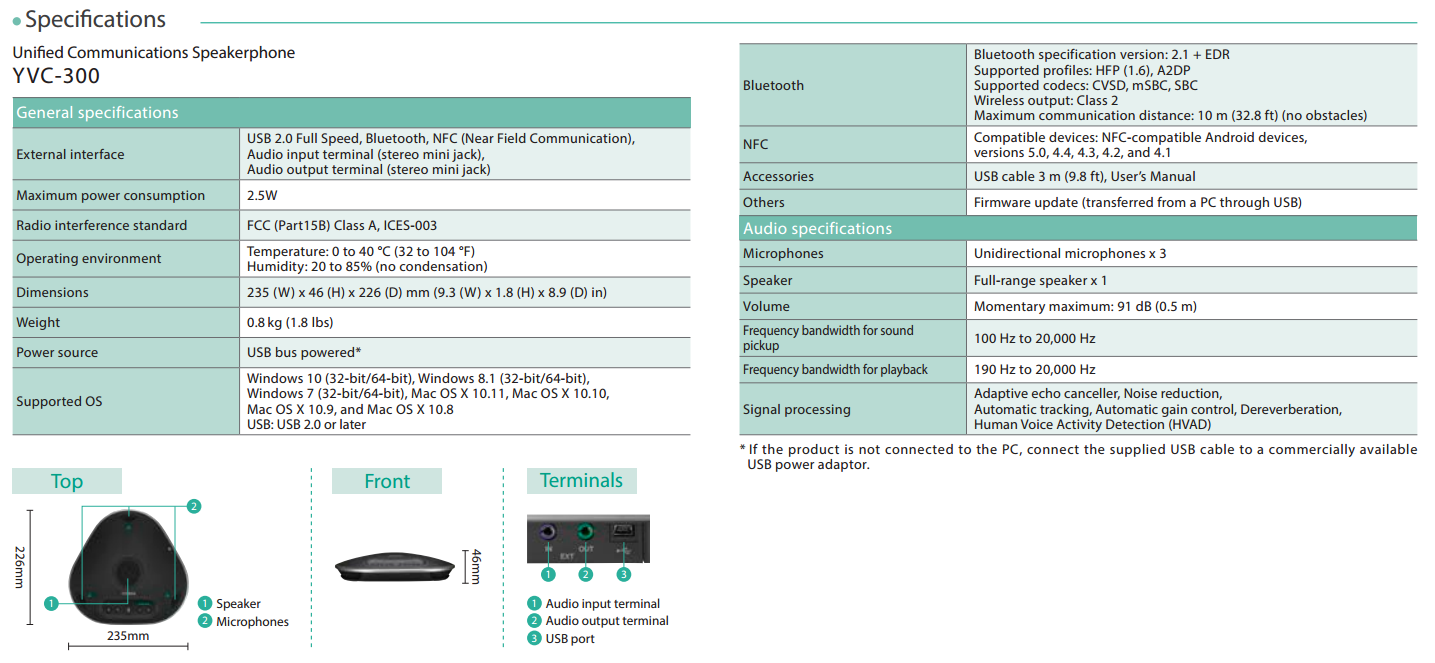
(click to enlarge the image)
In the context of ease of use, particular attention should be paid to the Bluetooth module (thanks to which we can quickly pair with a phone, tablet, or computer) and the USB connector, which is also a power connector (one cable between the YVC-300 and the computer is enough). Currently, these are the most popular and universal methods of connecting to this type of device. This makes the Yamaha suitable for practically any business environment.
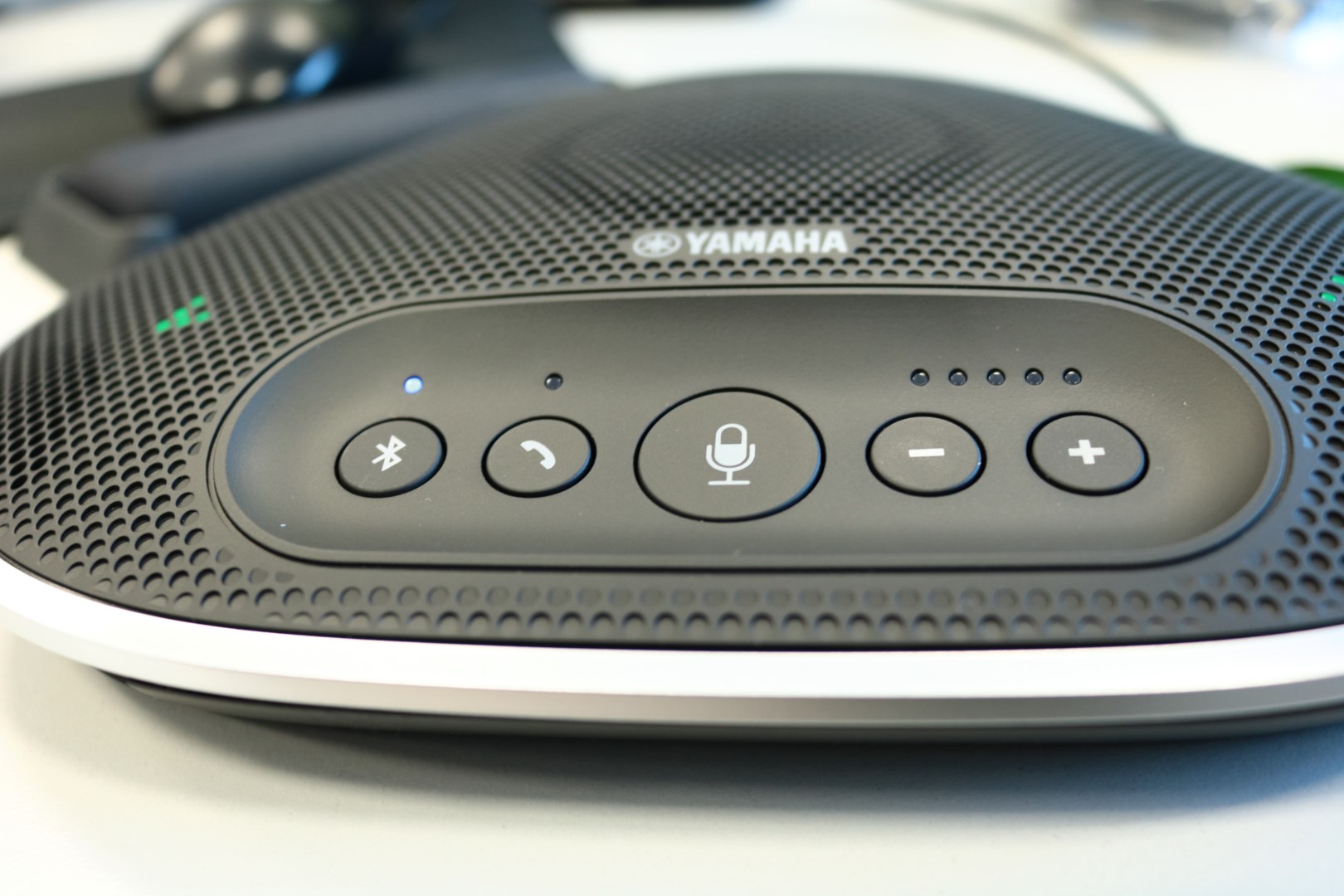
What about sound quality?
Despite its small dimensions, the YVC-300 contains a lot of modern technology for filtering and improving the recorded sound. Below we have listed the key “enhancers” along with a brief explanation of what they are used for.
Active echo cancellation
The problem of microphones picking up sounds from the speaker, which creates an echo, is completely eliminated here thanks to proprietary technology that processes audio after it has been recorded.
Automatic volume level adjustment (HVAD)
The intensity of sounds in a conference room can vary. Sudden moments where the sound is louder, followed by periods of quieter conversation, or differences resulting from the distance of the speaker from the microphone or even the volume of the voice, require variable microphone sensitivity. Using solutions where this has to be done manually is not a good idea when both parties care about time and ease of use. That is why the Yamaha is equipped with a system that automatically adjusts the sensitivity of the microphones so that a single volume level is maintained.
Voice tracking (HVAD)
Another interesting feature is tracking the voice of the person speaking so that it is always at the same level. Important if the presenter likes to, for example, walk around the table during a teleconference.
Elimination of noise and interference resulting from the geometry of the environment (HVAD)
As the name suggests – in voice communication, the voice is the most important thing. That is why the Yamaha automatically eliminates unnecessary ambient sounds, such as the hum of air conditioning, a running projector, or the noise of the street outside the window.
What is HVAD?
Human Voice Activity Detection – this is a modern technology that consists of the functions listed above. The goal is one – to extract the human voice from various sounds, to obtain the best possible quality so that voice communication takes place without stress and misunderstandings.
How to connect the YVC-300 to a computer?
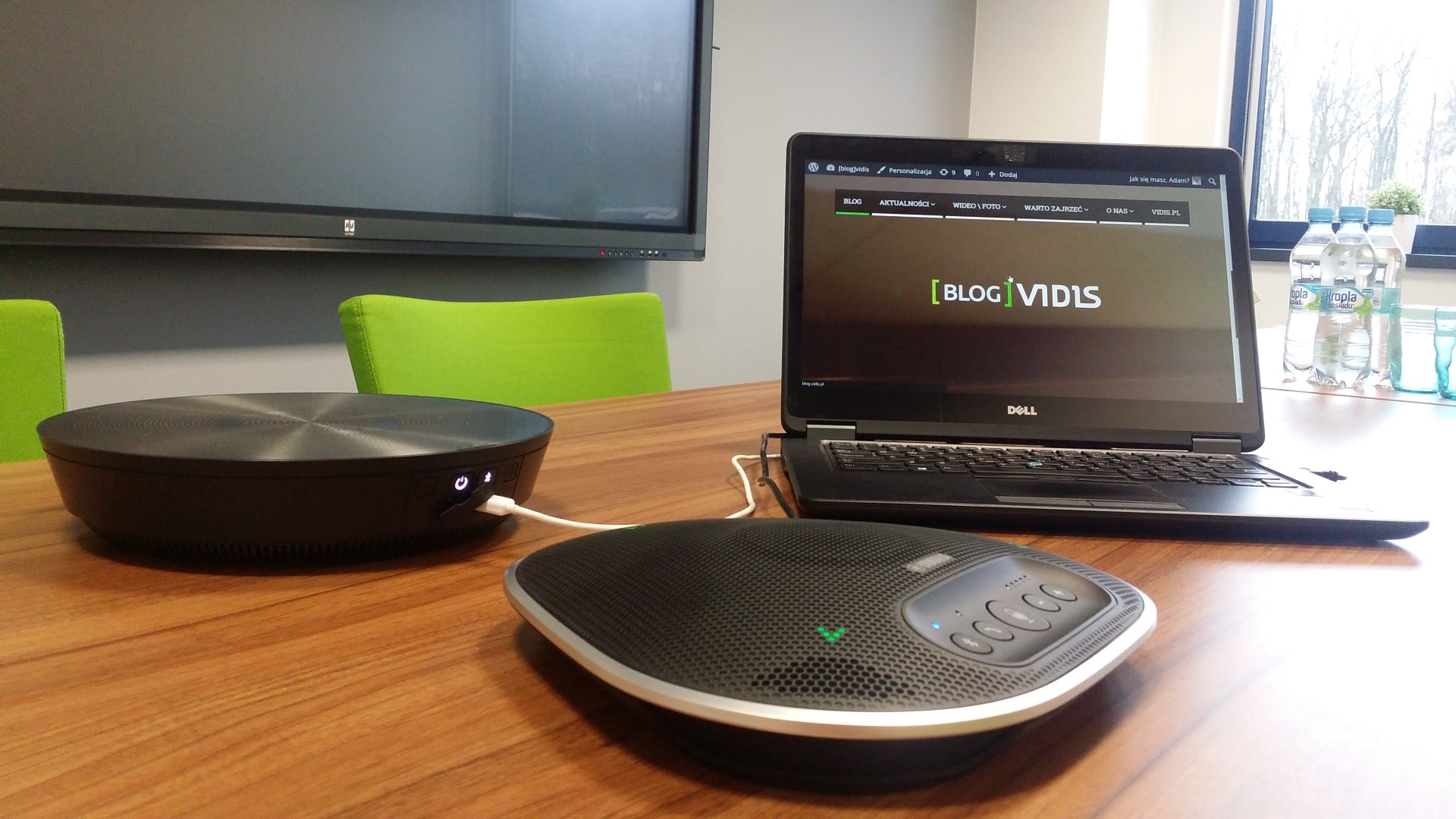
The easiest way to connect the YVC-300 is using the USB cable included in the set.
After connecting the USB cable, the Windows system will automatically install the YVC-300, but we suggest checking the Windows audio device settings and selecting the appropriate options. Just like in the video below.

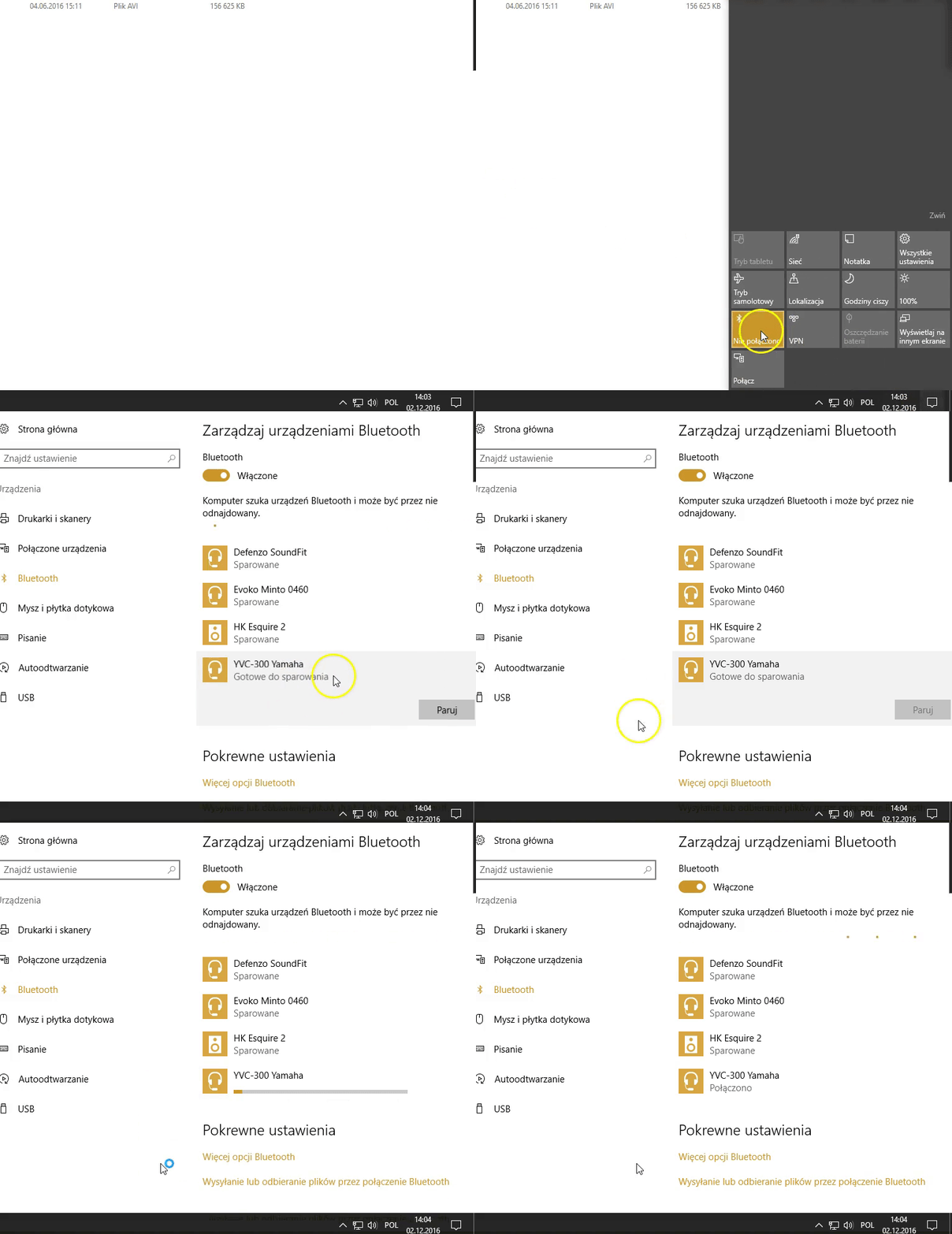
We can also connect the Yamaha to a computer without cables – using Bluetooth. How to do it in Windows 10? Below is a video showing this process. Then, just like in the case of a USB cable connection, we can go to the audio device settings and set the YVC-300 as the default device.
Note! The Yamaha requires a connected USB cable for power; it does not have a built-in battery.
Additionally, thanks to the audio input, we can connect an additional sound source to the YVC-300 (e.g., a Revolabs wireless microphone or an additional computer). The audio output, in turn, allows you to connect this device to more powerful speakers (active, of course), an amplifier, or another audio system.

Microphone quality
How does the Yamaha perform in reality? We have prepared audio materials for you so that you can check the quality of the microphones in this device “with your own ears”.
1. Conference call between 3 parties:
- Yamaha YVC-300 (bridge)
- Phone call, mobile phone (connection via YVC-300 Bluetooth)
- Skype for Business (connection via laptop connected to YVC-300)
2. Sound collection in a conference room from different distances
In summary
The sound quality (especially of the human voice) recorded by the YVC-300 microphones is very satisfactory. Combined with an attractive appearance and trivially simple operation, we get an ideal solution for voice communication. You can find more about the product, detailed specifications, or more broadly described capabilities on the Revolabs website.
We also invite you to view the gallery, where you will find more photos of this solution.