
Joan speaks Polish!

It’s here! The Polish language version of the Joan Meeting Room Assistant interface is now available! How do you change the language, and how does Polish look on the e-ink screen? Read on!
For those who are not familiar with Joan, I recommend starting by reading our previous article, where we explain the basics of how the system works.
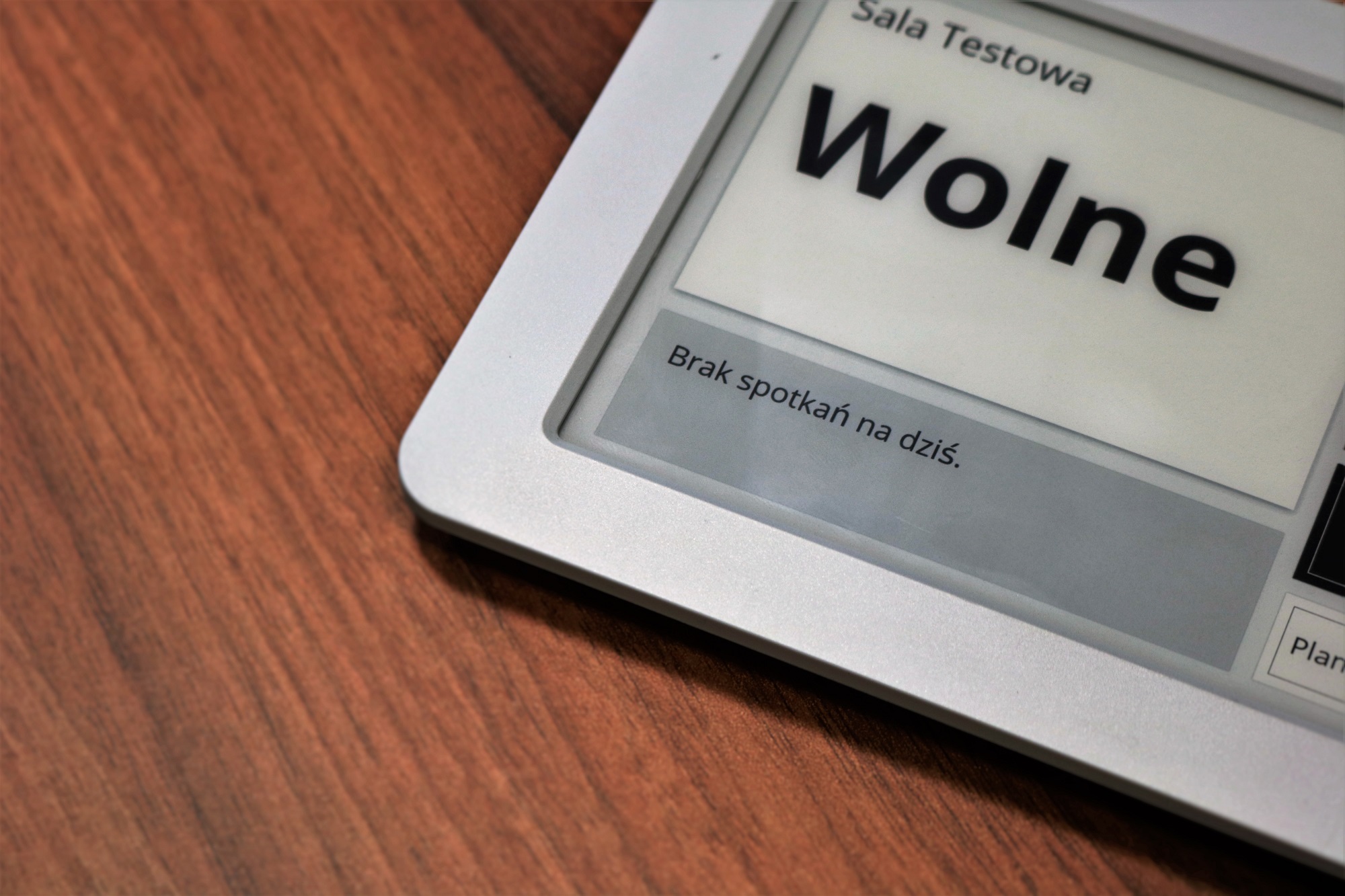
What do you need to do to make our devices “speak” Polish?
First, we need to change the language settings on the Joan portal, which is used to manage all our devices on the network. For your convenience, we have created a short instructional video available below.
Important – after changing the language in the web control panel, we must either wait for the settings to update on the server (the Polish language will appear on the device screen after a few minutes) or, if we want to see our language in action immediately, we must re-add the device. How to do it? Just read our previous article about Joan!

How does Polish look in action?
We invite you to watch a short video where we show what the interface looks like in Polish.
What’s next?
The next step for us will be to translate the Joan portal, which will make managing multiple devices even easier. However, even now, managing a very large number of devices is not a problem due to the clarity of the portal.
If you have any comments or questions, please feel free to contact us!