Launcher Plus – quick unboxing and tests

We have been waiting a long time for the official release of the new NovoLauncher Plus modules. The period between the first announcement and the final product launch was not the shortest, but the manufacturer assured that all this time was dedicated to refining the device itself and the software. We are testing the latest solution from the Vivitek brand especially for you.
As a reminder – Launcher Plus is part of the Novo system used for wireless image transmission and collaboration in conference rooms. The manufacturer is Vivitek in cooperation with Delta Electronics. The Novo product family has been on the market for two years, and its portfolio includes both main modules – such as NovoConnect or NovoPro (and soon NovoEnterprise) as well as useful accessories such as USB Launcher modules. The Launcher Plus version expands the range of Novo accessories by adding USB modules equipped with Wi-Fi support.


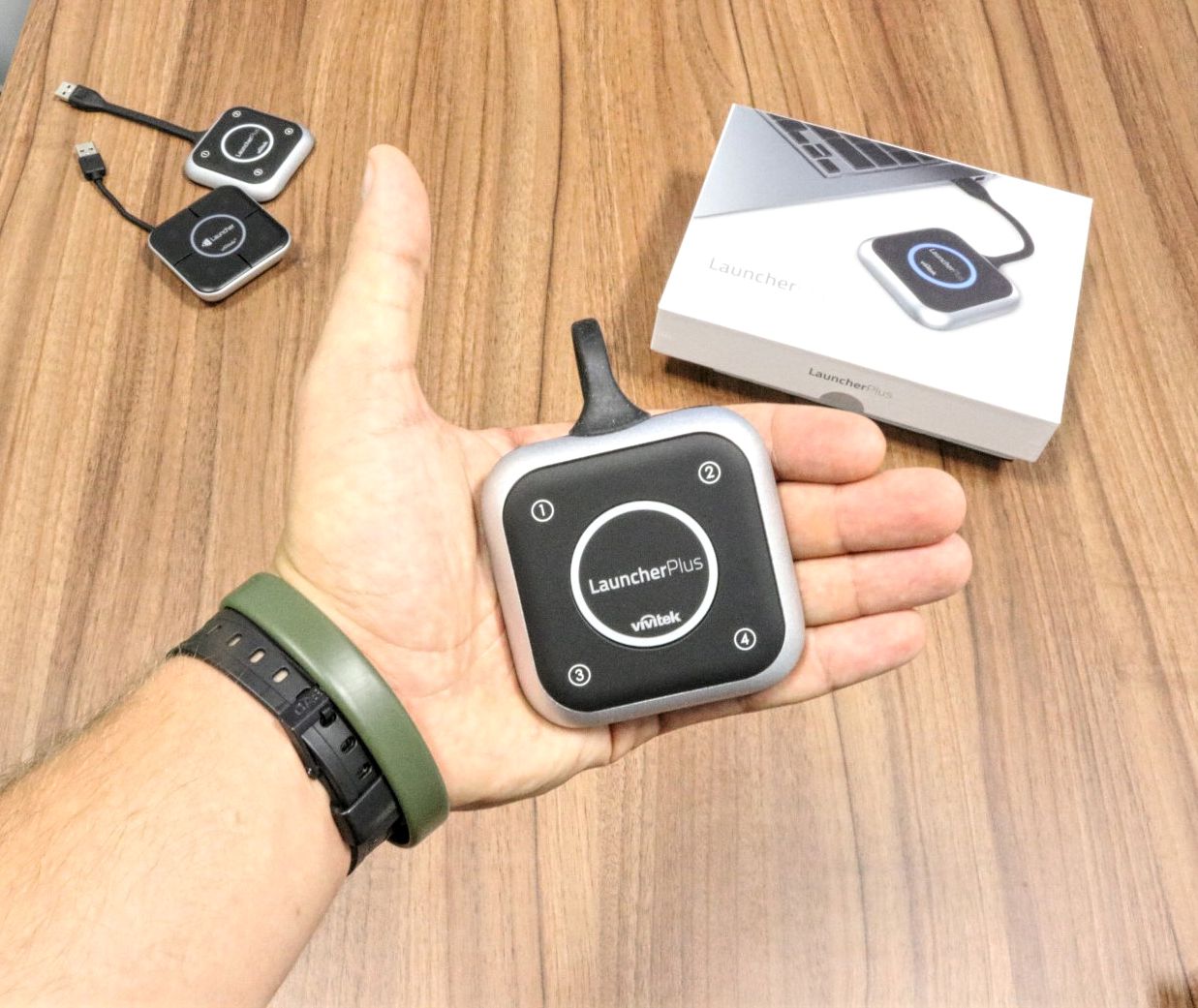
From left: NovoLauncher, NovoLauncher Plus
If you are looking for more basic information and applications of Novo products – we refer you to an animation that explains the assumptions and applications of this system.
What is Launcher Plus?
Launcher Plus is a USB module that enables wireless image transmission from a Windows PC or Mac to a NovoPro or NovoEnterprise system. This, in turn, is connected via HDMI to a display, which can be a monitor or a projector. Compared to the Launcher model (without Plus), the new version has been equipped with a built-in Wi-Fi module, which allows for a direct connection between Launcher Plus and NovoPro/Enterprise, without the need to use the module built into the laptop. Thanks to this, the user can be connected to NovoPro and another Wi-Fi network at the same time. This also positively affects the connection speed, and consequently the quality and smoothness of the displayed material.
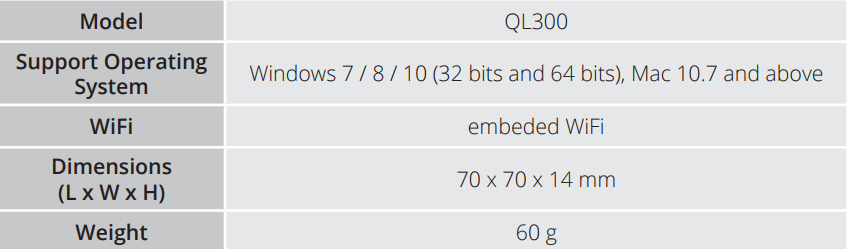
Basic device parameters
What’s in the box?
The new Launcher modules are accessories for products such as NovoPro or NovoEnterprise, so the contents of the box are modest. Most importantly: we are dealing with a set – in the basic version, the modules are sold in sets containing two pieces. For comparison: in the “non-plus” version, Launchers were sold in sets of 4 pieces.
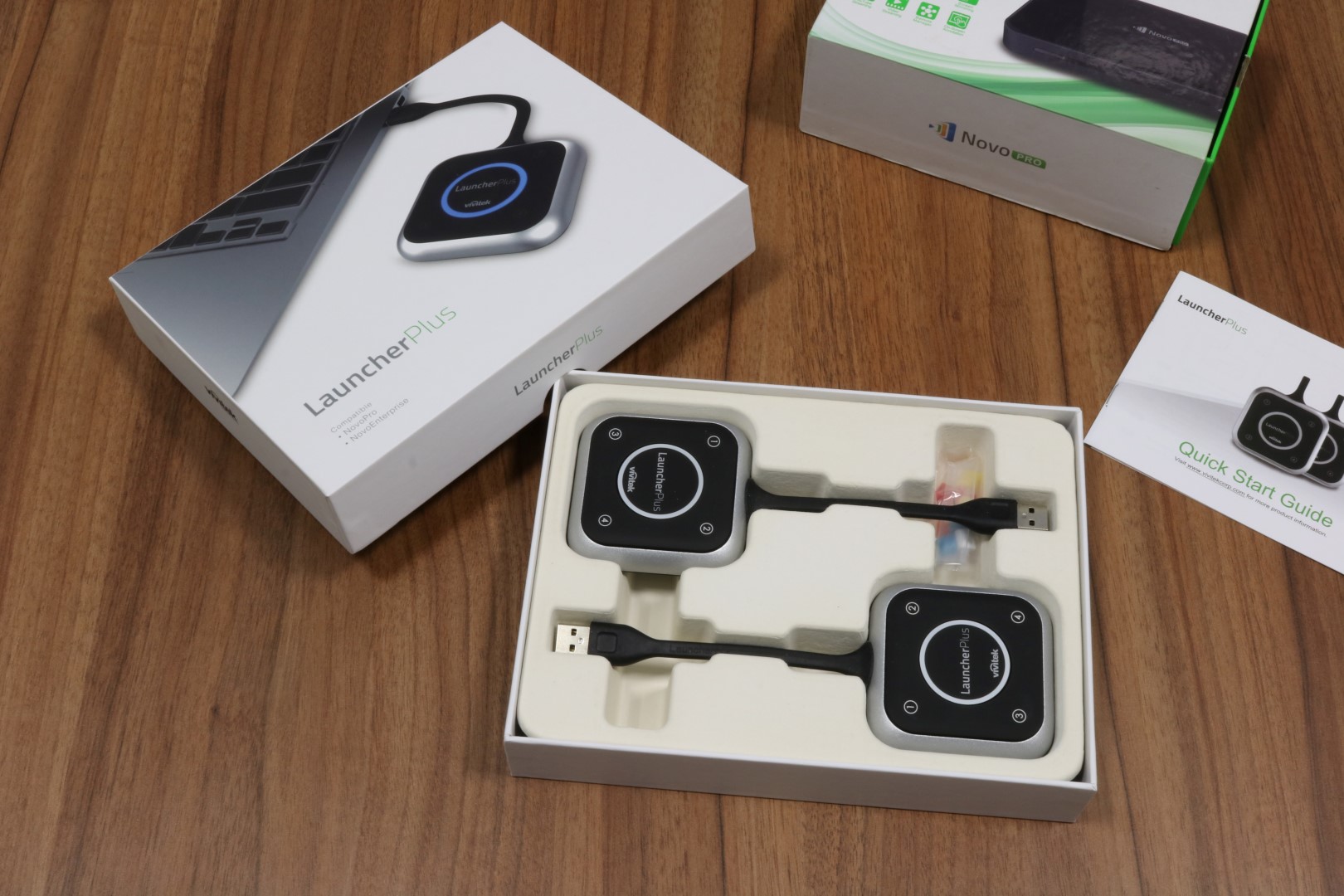
What else besides the devices?
- quick start guide
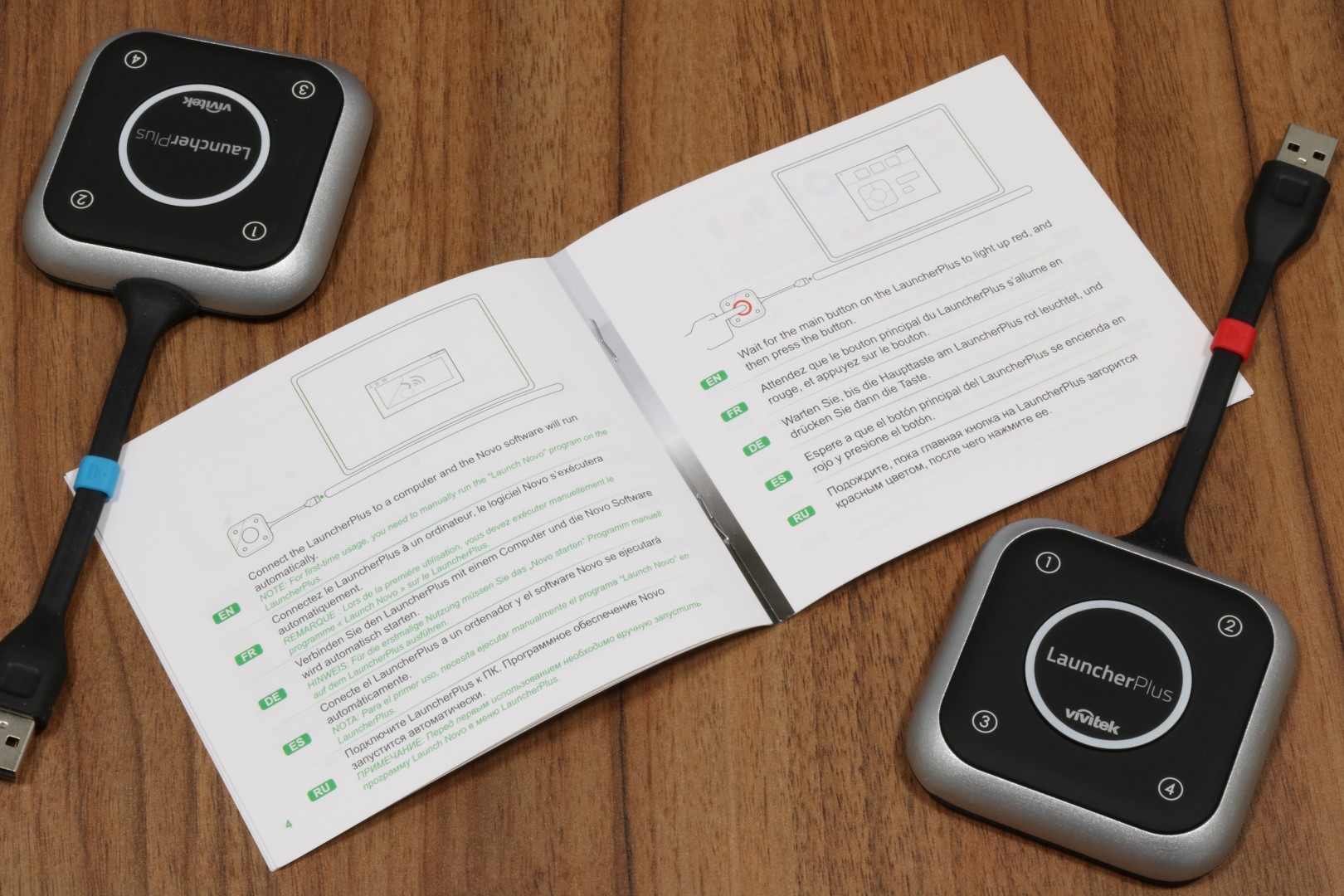
- rubber caps allowing for quick identification of Launcher Plus modules

Appearance
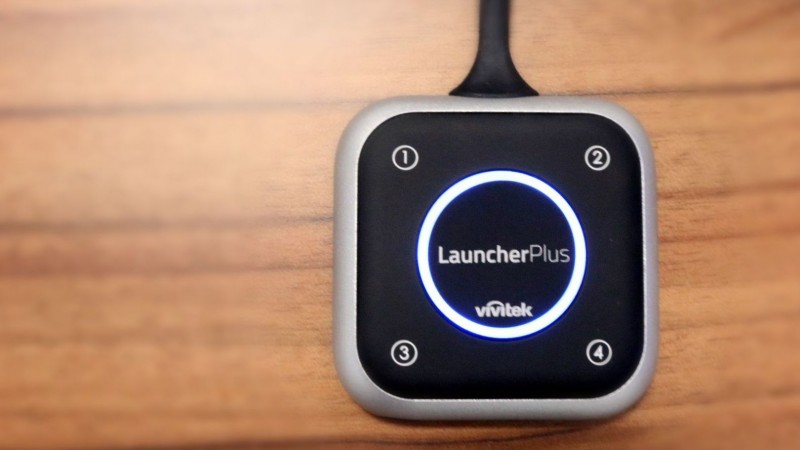
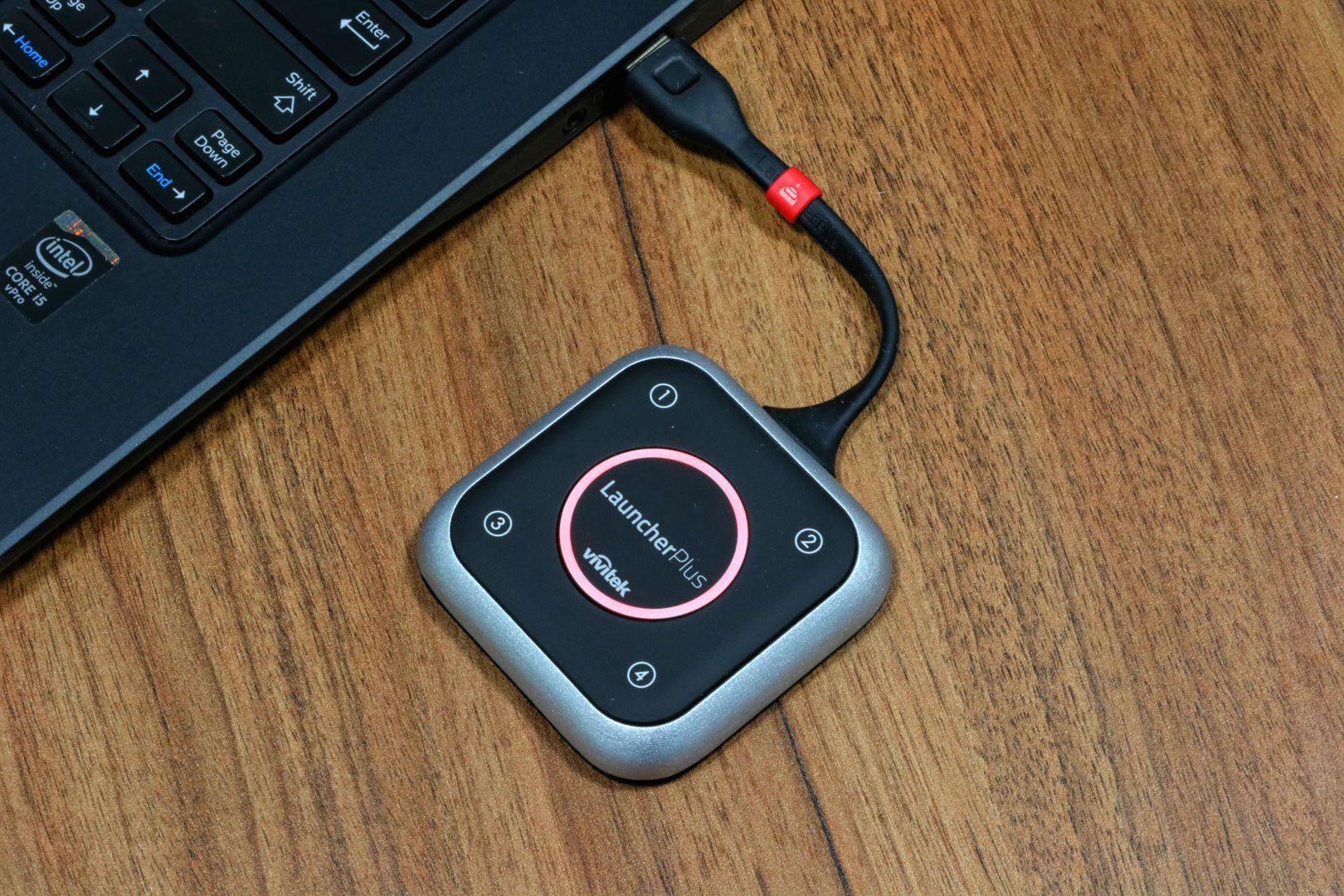
Launcher Plus is a neat USB module (dimensions 70 x 70 x 14 mm and weight 60 g speak for themselves) equipped with 5 buttons on the top of the housing. The plastic from which the housing is made has a matte finish and makes a very good impression. It is enhanced by the aluminum finish, a frame surrounding the entire device. Thanks to this treatment, Launcher Plus becomes a solid device not only in appearance, but also during use.
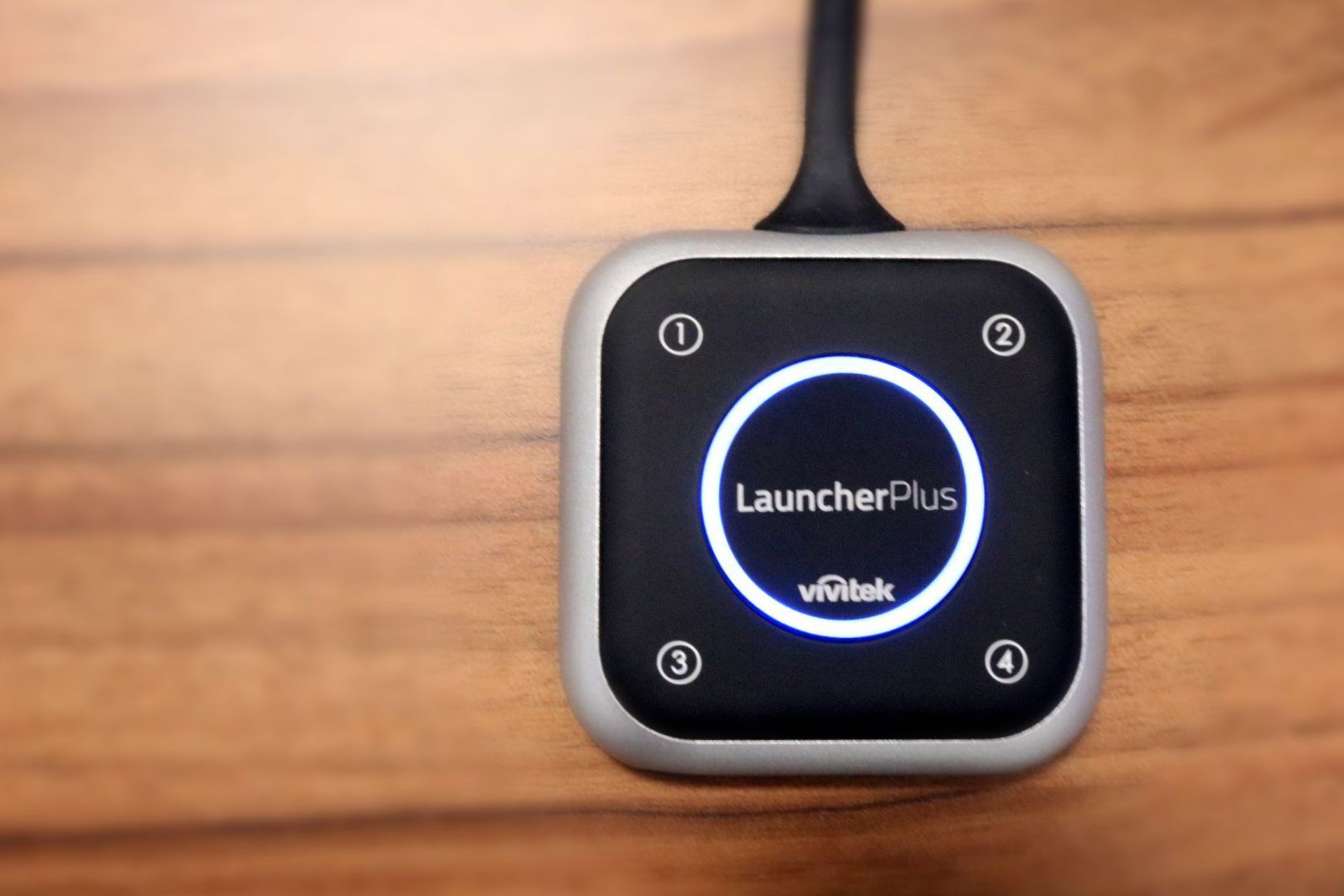
The flexible USB cable is a good solution, especially if the module itself or the laptop to which it will be attached is moved. Additionally, if the cable gets in the way, it can be “hidden” under the device – thanks to the magnet, the USB plug will stick to the bottom part.

Basic configuration
To start using these devices, you need to pair them with a base module, which can be NovoPro or Enterprise. How to do it? Just connect the Launcher Plus to the USB port on the NovoPro/Enterprise housing. If you are using HotSpot mode (NovoPro/Enterprise creates its own Wi-Fi network), just wait a few seconds. In case you want to integrate the Novo system with an existing network, you will need to enter a password. The password can be entered using the remote control, or after connecting a USB hub, connect a HID keyboard and do it that way.
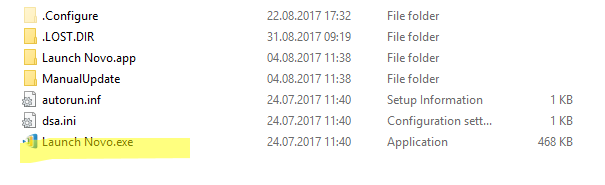
After pairing, the device is ready for use – you can connect it to the USB port and start wirelessly transmitting image and sound. It is worth adding that when connecting the Launcher Plus to a new computer for the first time (only the first time), you need to “manually” run the DesktopStreamer software. How to do it? Launcher Plus is detected by computers just like a USB flash drive – just go to the Launcher drive and run the “Launch Novo.exe” program. The hardest part is behind us.
Usage
How does the NovoPro + Launcher Plus set work in practice? First of all, such a solution allows you to control the eternal problem of cables in a conference room. HDMI, VGA, and sometimes also minijack cables tangling under and on the table are the bane of a large number of conference users. In opposition to this stands the Novo + Launcher Plus solution, where a small module is connected to the computer’s USB port to allow wireless transmission of image and sound to a monitor screen or display via a projector after a few seconds.
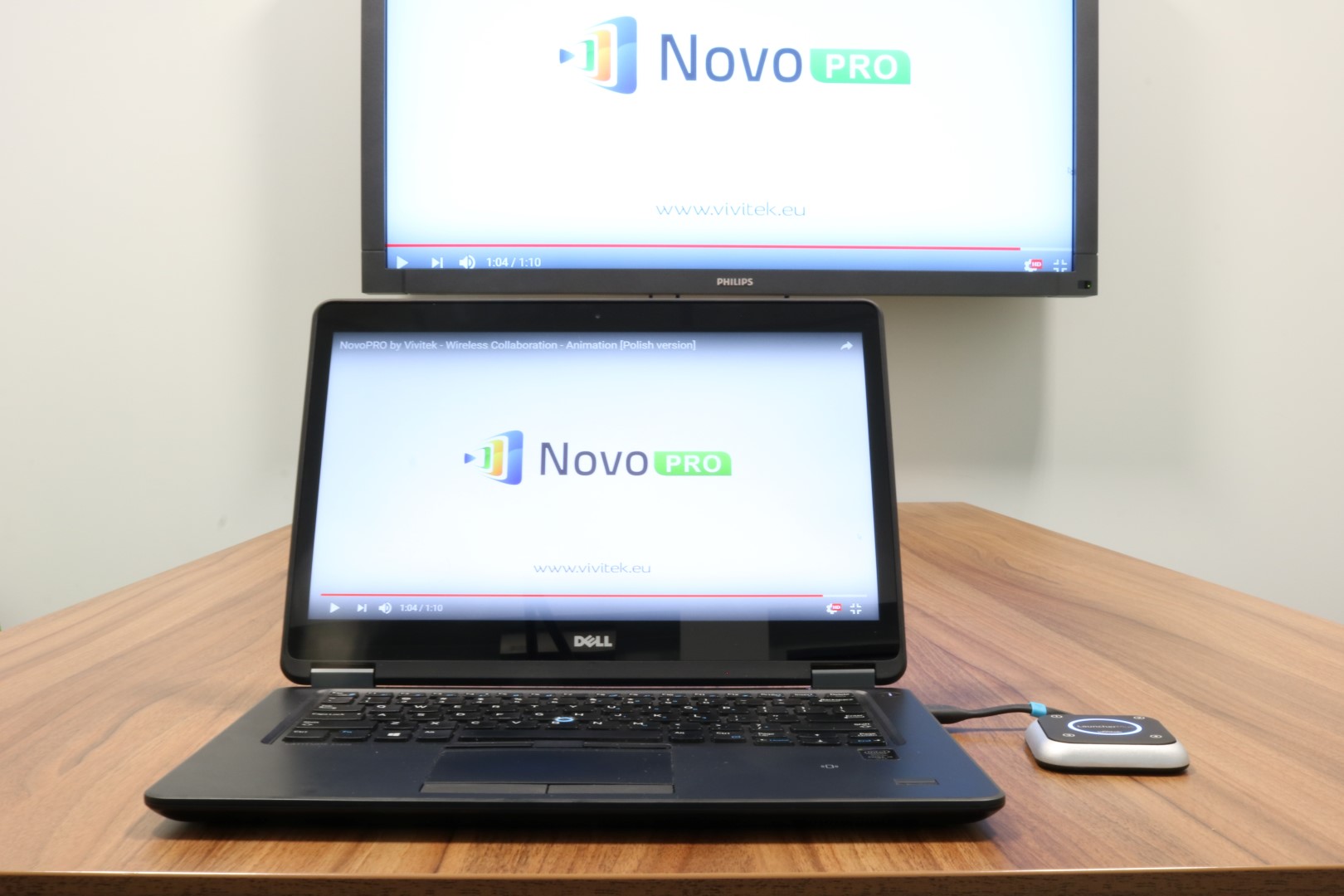
After connecting the Launcher Plus module to the computer, the DesktopStreamer application will start automatically. You don’t need to install it; it is installed on the Launcher module. After a moment, the LED on the module housing will turn red. Now just press one of the buttons (e.g., the middle one) to start displaying the image wirelessly. But we won’t write too much – we will demonstrate:
Smoothness and video display
The question that appears most often in the context of the operation of this type of solution concerns the quality and smoothness of the displayed image. Novo products use a Wi-Fi network for data exchange. This has its advantages – simple configuration, the ability to display images from devices without the need to use a Launcher (including Android and iOS mobile devices), but, due to low bandwidth and sometimes low signal stability, it raises doubts regarding quality and smoothness. How does Launcher Plus handle it?
When it comes to quality, the matter is simple – the image is displayed in FullHD resolution (of course, lower resolutions are also supported). This resolution is a ubiquitous standard and guarantees high image detail. The quality of the displayed image in the case of displaying photos, presentations, reports, or websites does not differ in any way from the image quality obtained using a cable.

In terms of smoothness, you have to take into account the delay. If the image visible on the laptop screen is “cloned” to the TV screen using Launcher Plus, there is a visible delay between what is displayed on the computer screen and the TV. It is not a big difference, but it excludes Novo products as solutions for transmitting images, e.g., from games.
The number of frames per second in standard mode is high and operates (depending on the connection quality) in the range of 15-25. You can watch a short promotional video or trailer, but watching full-length movies will not be comfortable.
Does this exclude Novo from applications where you often need to watch video materials or, e.g., YouTube? No! Vivitek has implemented a dedicated video mode in the DesktopStreamer software, which allows you, for example, to select a file located on your computer’s disk or paste a link to YouTube and after a moment get an image in Full HD quality up to 60 frames per second.
Summing up
We are dealing with a very good solution that will certainly find its place on the market. Especially since we are in the middle of an intensive phase of development of audiovisual wireless communication – solutions such as Barco ClickShare or VIA Kramer have been on the market for a long time. So what distinguishes Novo solutions on the market? It is primarily additional functionality, such as movie mode, voting tools (important when there is a large number of participants in the room), and versatility (Launcher modules are optional, you can connect directly). The price is also important – Novo solutions are extremely competitively priced in their segment. But for details, please ask our sales department.